
Sage 100 ERP (formerly MAS 90): How to install the new tax table updates
Question: Mike, we own Sage 100 ERP (formerly Sage MAS90), we process payroll. How do we get and install the new tax table updates?
1 min read

Question: Mike, we own Sage 100 ERP (formerly Sage MAS90). I changed banks, and now when I print checks, it posts to the wrong GL Account. Why?
Answer: This is a deep, dark secret, unless you have run into it before. What is going on is that you changed to the correct GL account in Bank Code Maintenance, as shown below. The Division Maintenance Bank Account number is overriding what is in Bank Code Maintenance.
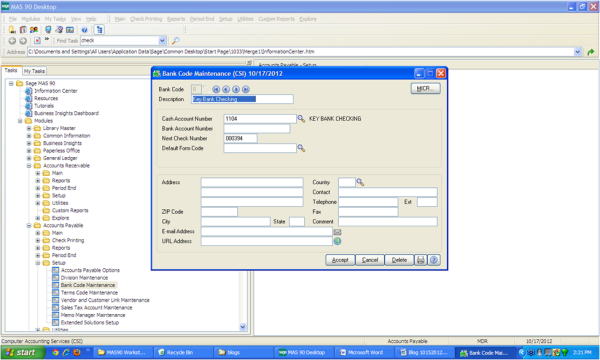
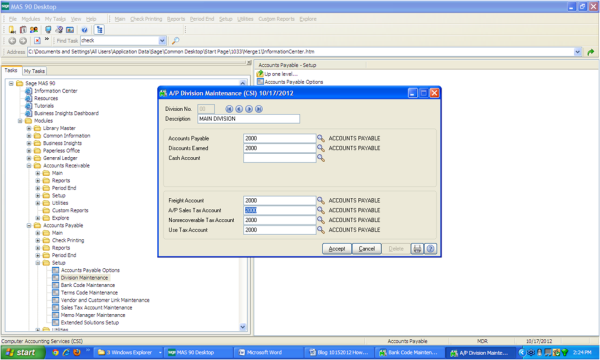
So to correct this you simply open up Accounts Payable>Setup>Division Maintenance and then blank out the Cash Account field as shown below and Accept.
Written by Mike Renner, Partner, WAC Consulting, Owner at Computer Accounting Services
Mike is an expert on Sage 100 ERP with over 25 years in the accounting software industry. Mike is also a Sage Certified Trainer and a recognized leader in the design, implementation and support of ERP systems, including Sage.
Sage 100 ERP (formerly Sage MAS90/200), Sage 100 Fund Accounting (formerly MIP Non Profit Software), Sage Grant Management, Sage Online Fundraising, QuickBooks Enterprise and Point of Sale VAR.

Question: Mike, we own Sage 100 ERP (formerly Sage MAS90), we process payroll. How do we get and install the new tax table updates?
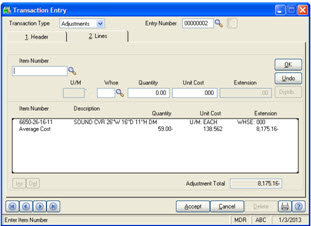
Question: Mike, we own Sage 100 ERP (formerly Sage MAS90), we are interested in changing the valuation method of several inventory items from...
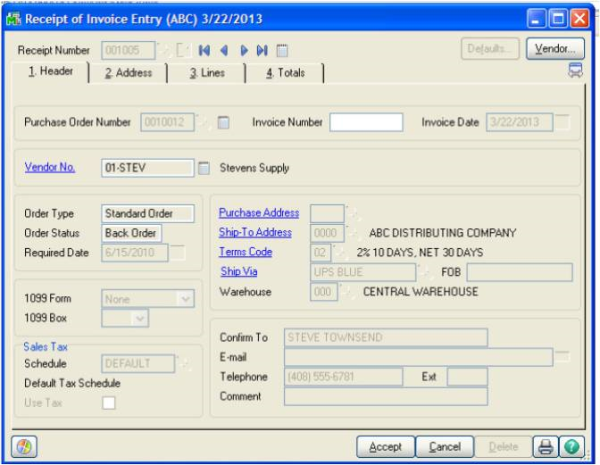
Sage 100 ERP Consultant Tip on Receipt of Invoice Task Question: We own Sage 100 ERP (formerly Sage MAS90), we just added the Purchase Order and ...